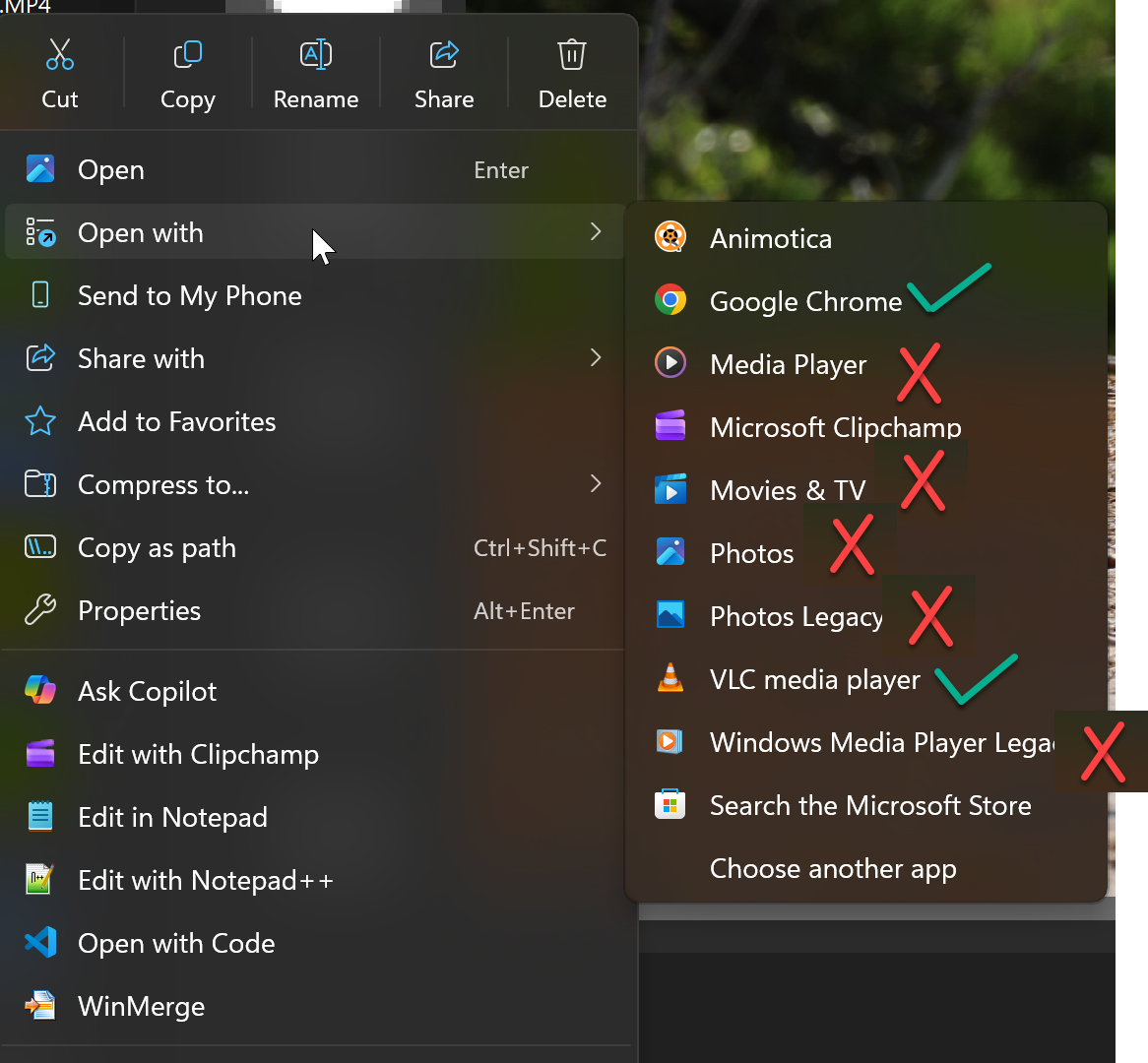
After A Windows 11 Pro PC is rebootd, all Windows pre-installed media players can play MP4 files without any problems. After a short while, all of them make the PC semi-responsive (the mouse cursor becomes very jumpy). The video barely shows, though the audio is fine. However, all non-Windows media players (e.g., VLC Player, Google Chrome) still work fine with the same MP4 files. This is 100% reproducible.
The MP4 files are ordinary ones generated by cameras (e.g., Canon R7, Sony RX100) or mobile phones. 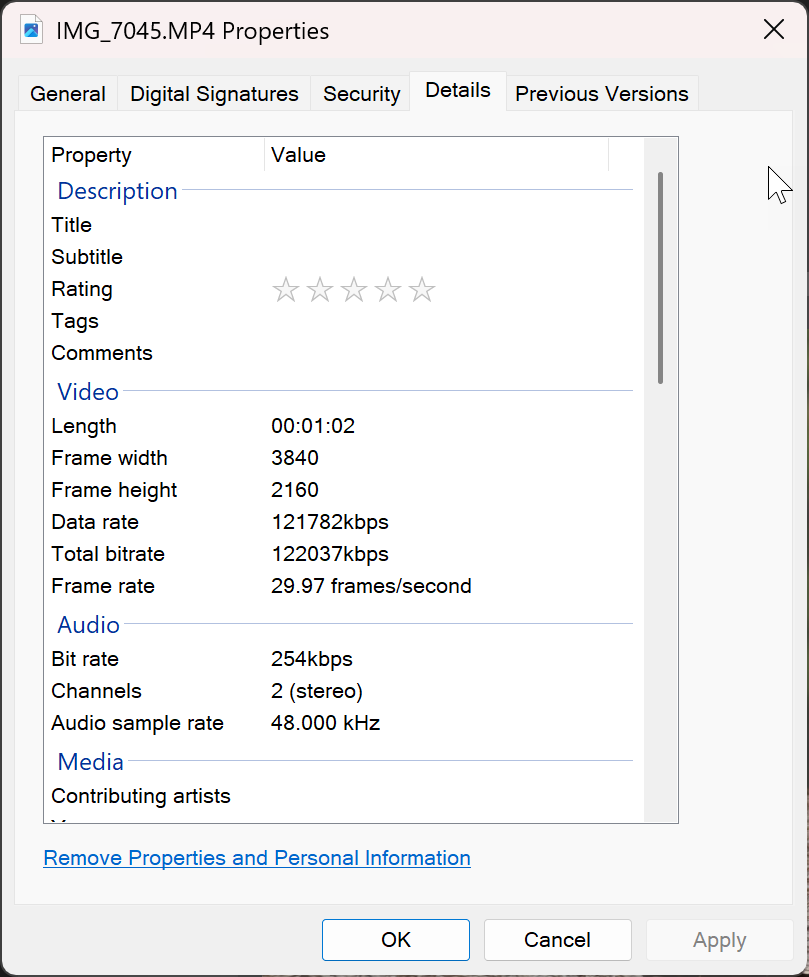
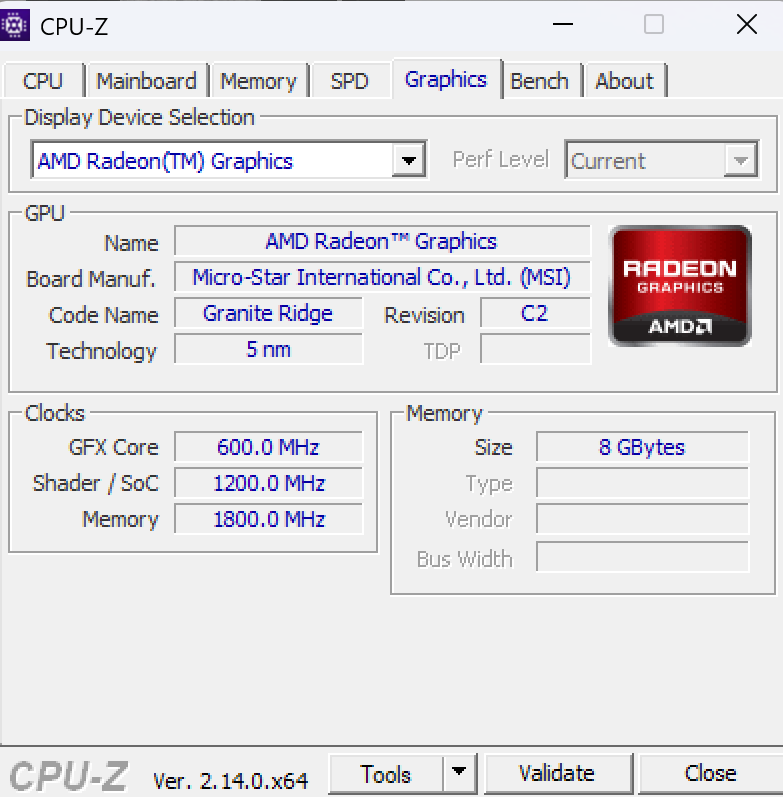
GPU formance looks fine.
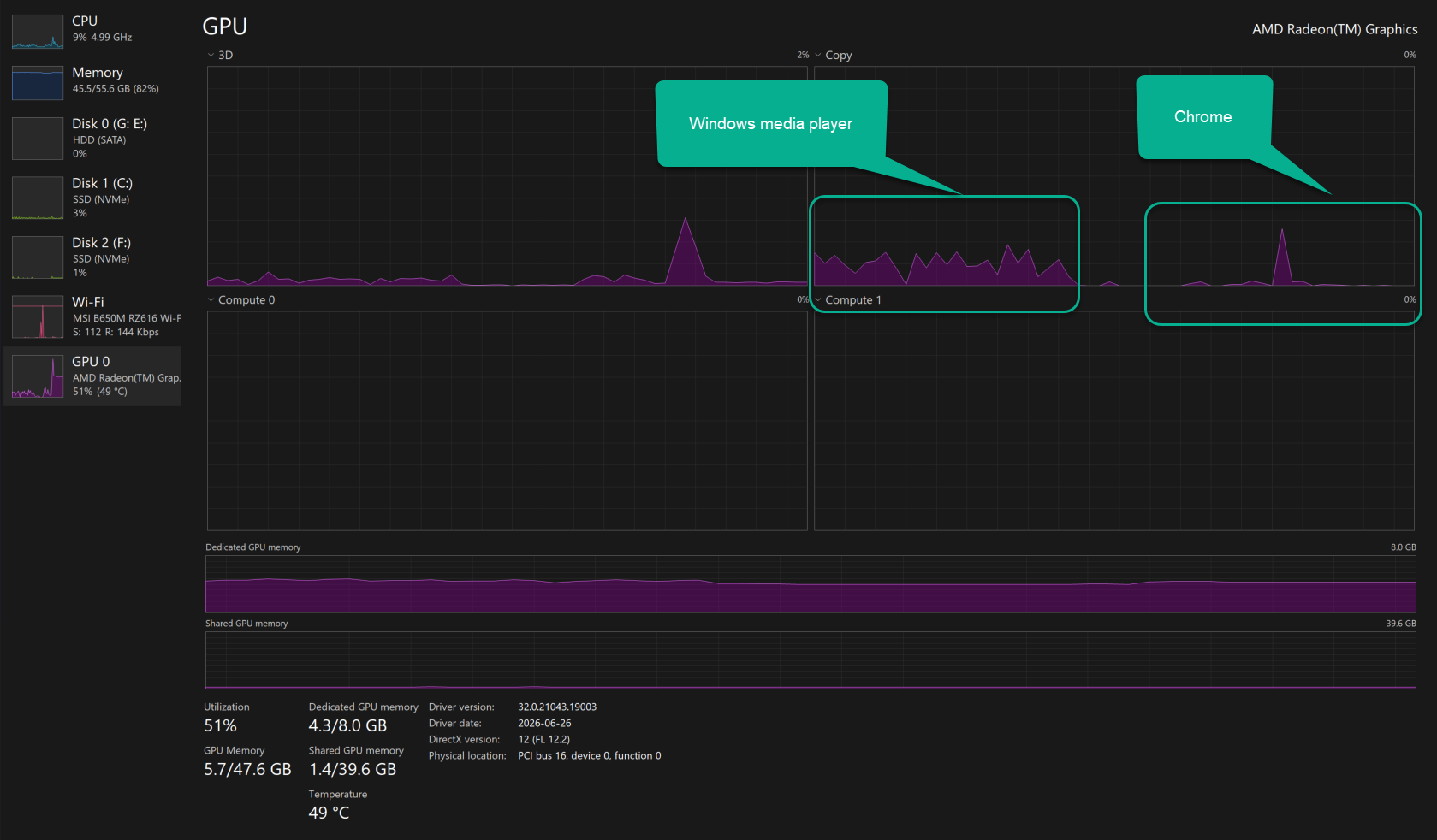
Restarting the video driver (Win+ Ctr + Shift + B) does not help.
Could anyone offer a tip on how to fix this?
' cx='32' cy='32' r='32' /%3E%3Ctext x='50%25' y='55%25' dominant-baseline='middle' text-anchor='middle' fill='%23FFF' %3EH%3C/text%3E%3C/svg%3E)

' cx='32' cy='32' r='32' /%3E%3Ctext x='50%25' y='55%25' dominant-baseline='middle' text-anchor='middle' fill='%23FFF' %3ELV%3C/text%3E%3C/svg%3E)