I have an OLD PC with an active Windows 11 licence; it is digital and linked to my Microsoft account. I have recently built a new PC. I want to transfer my Windows digital licence, which is linked to my Microsoft account.
When I follow the activation state Troubleshoot on my newly built pc and click "I recently changed hardware on this device" (this is the part I believe I should be able to find my old PC as a device and swap it over), I am presented with the screen shown in the image.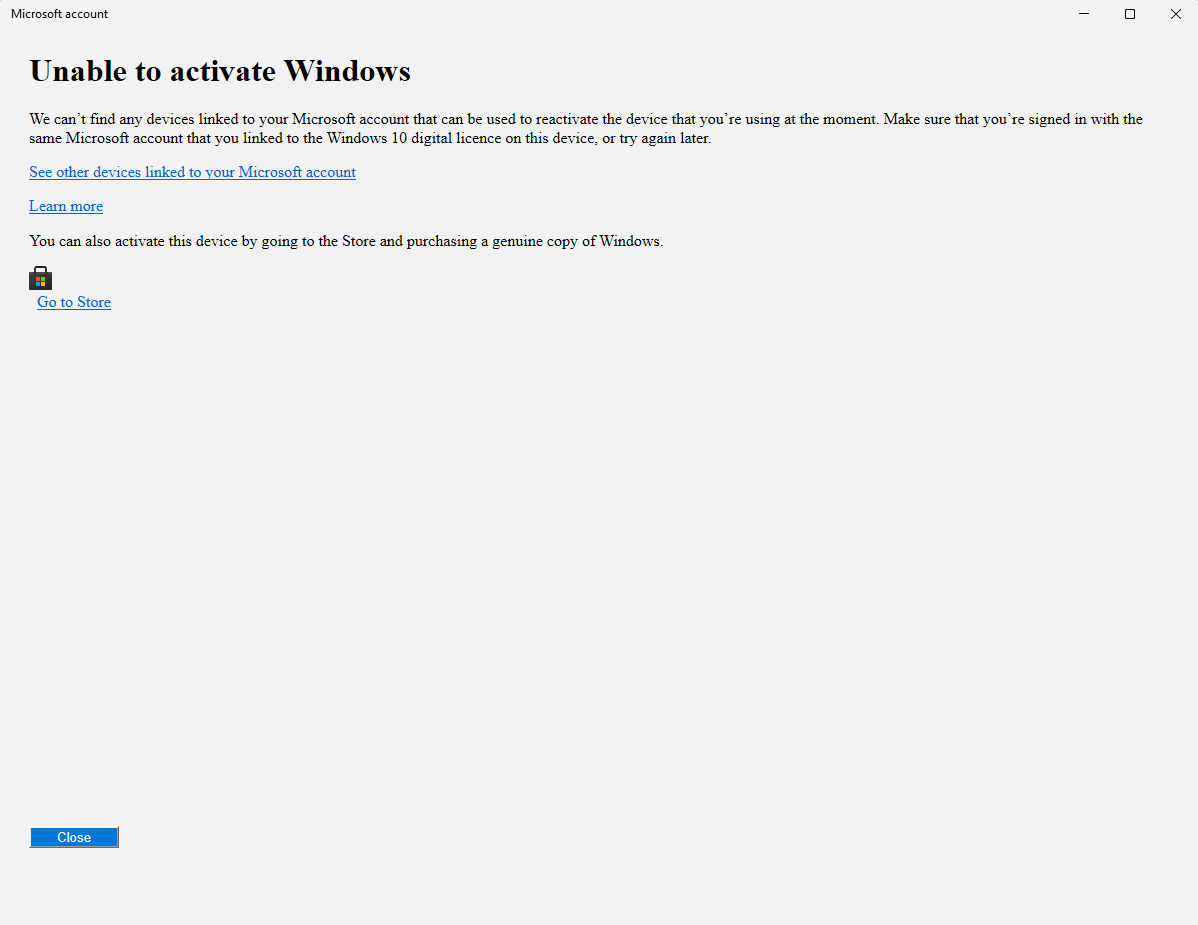
Other info about my problem that may be relevant:
- Windows was upgraded from Windows 8 to Windows 11 over several years.
- I have the original Windows 8 product key, which is not recognised in the Windows 11 product key section
- I have what I believe to be a "Generic product key" that Windows 11 activation gives me an error code for (0x803fa067)
- The device list on my Windows account web page still lists my old PC as having Windows 10 Professional (The PC was upgraded to Windows 11 4 days ago)
- Product key Channel is listed as RETAIL
I've spoken to two chat agents, both of whom cut me off before answering my further questions and have not resolved this issue.
One agent's solution was to install Windows 8 using my Windows 8 product key and upgrade all the way up to Windows 11. Then they promptly told me that Microsoft does not supply the Windows 8 ISO any more. This seemed like a very unrealistic thing to suggest.
The other Agent told me to "Contact a local technician to see my device's license history"
I refuse to buy another Windows Pro License when I have one that SHOULD be linked to my Microsoft account. Somebody, please help me.
' cx='32' cy='32' r='32' /%3E%3Ctext x='50%25' y='55%25' dominant-baseline='middle' text-anchor='middle' fill='%23FFF' %3ECB%3C/text%3E%3C/svg%3E)

