Note
Access to this page requires authorization. You can try signing in or changing directories.
Access to this page requires authorization. You can try changing directories.
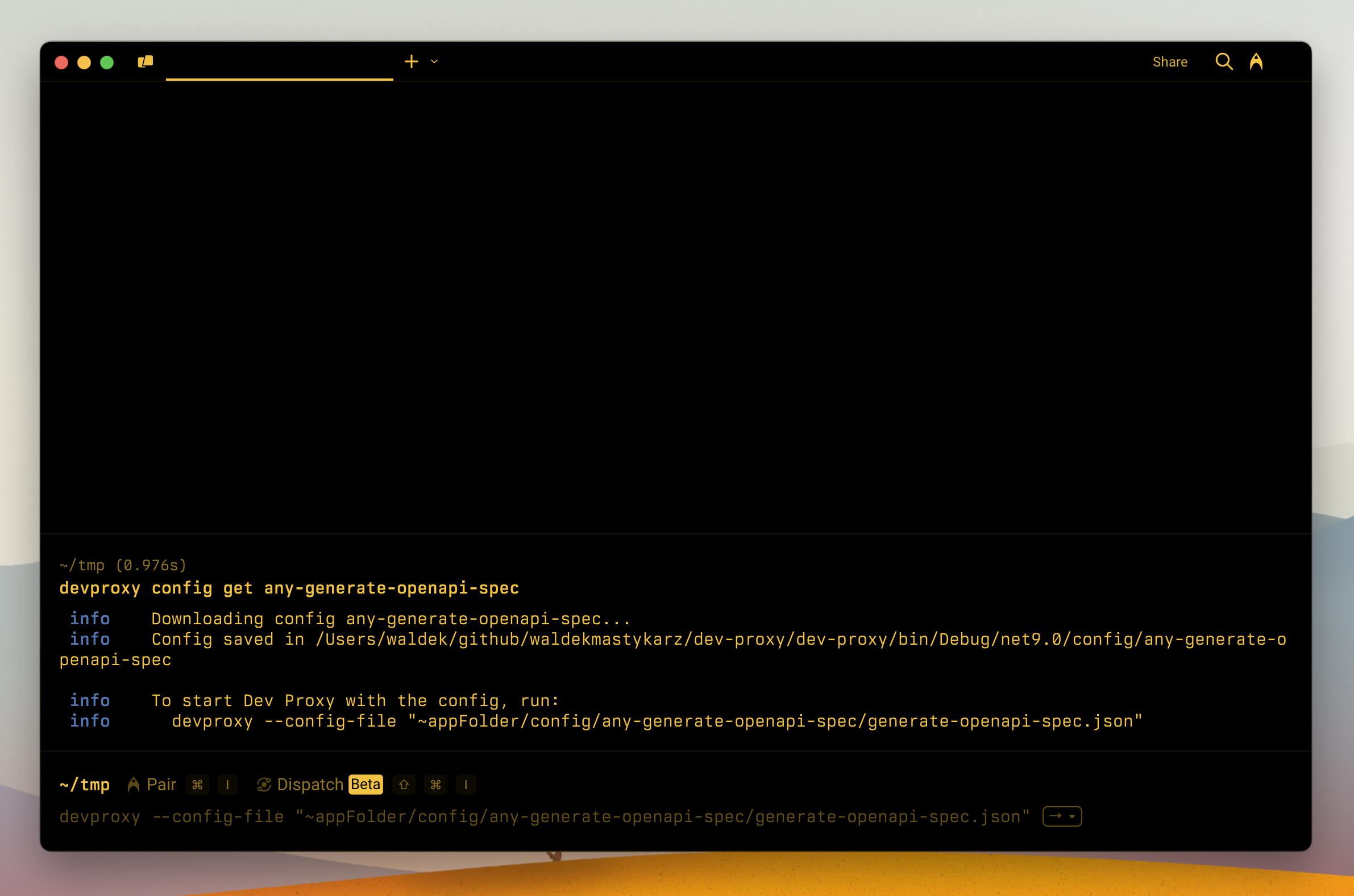
Download a preset or sample from the Dev Proxy samples gallery. A preset is a ready-made Dev Proxy config for a specific API or scenario, so you download it with devproxy config get.
Synopsis
devproxy config get <config-id> [options]

Arguments:
  <config-id>            ID of the config to download (required)

Options:
  --log-level <level>    Logging level: trace|debug|information|warning|error
  -h, --help             Show help
Usage
devproxy config get <config-id>
Arguments
| Name | Description | Required | Default |
|---|---|---|---|
<config-id> |
The ID of the preset or sample to download. | Yes | None |
Tip
Each preset and sample lists its ID in the details section on its page in the Dev Proxy samples gallery.
Options
| Name | Description | Allowed values | Default |
|---|---|---|---|
--log-level <loglevel> |
Level of messages to log | trace, debug, information, warning, error |
information |
Remarks
Dev Proxy stores downloaded presets and samples in the ~dataFolder/configs/<config-id> folder. Upgrading Dev Proxy doesn't affect them.
Presets keep their config in a .devproxy subfolder. To start Dev Proxy with a downloaded preset, run:
devproxy --config-file "~dataFolder/configs/<config-id>/.devproxy/devproxyrc.json"
Collaborate with us on GitHub
The source for this content can be found on GitHub, where you can also create and review issues and pull requests. For more information, see our contributor guide.
