หมายเหตุ
การเข้าถึงหน้านี้ต้องได้รับการอนุญาต คุณสามารถลอง ลงชื่อเข้าใช้หรือเปลี่ยนไดเรกทอรีได้
การเข้าถึงหน้านี้ต้องได้รับการอนุญาต คุณสามารถลองเปลี่ยนไดเรกทอรีได้
What this feature does
The query editor helps you author and run Azure Cosmos DB SQL queries with:
- Syntax highlighting.
- Multiple results views (table, JSON, tree).
- Query execution from the editor.
Open the query editor
- In the Azure view, expand your Azure Cosmos DB account.
- Expand a database and then a container.
- Right-click the container and select the query editor action.
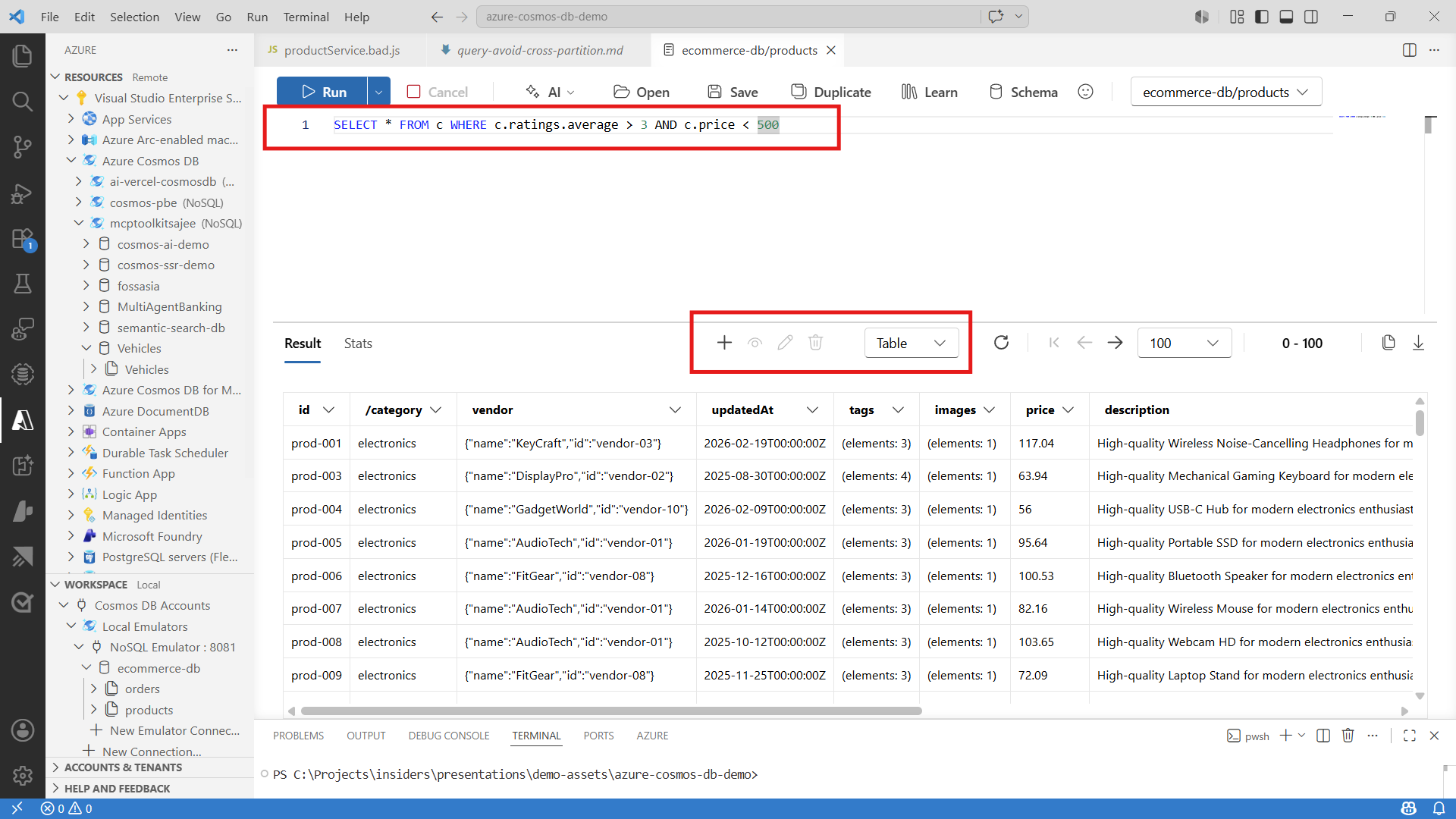
Write and run a query
- Enter a query in the editor.
- Run the query using the query action in the editor toolbar.
- Start with a validation query if needed:
SELECT TOP 10 * FROM c
- Iterate by adding filters and ordering:
SELECT c.id, c.status, c.updatedAt
FROM c
WHERE c.status = "active"
ORDER BY c.updatedAt DESC
Review results and stats
- Use table view to quickly scan fields.
- Use JSON view for full payload validation.
- Use tree view for nested documents.
- Check query statistics when tuning performance-sensitive queries.
Save and rerun patterns
- Keep reusable query snippets in your workspace.
- Re-run baseline and tuned variants to compare behavior.
Troubleshooting
- If query execution fails, validate SQL syntax and field names.
- If results are empty, run
SELECT TOP 10 * FROM cto inspect sample documents. - If access fails, verify account and data permissions in Azure.